Hidden setting shows if social media sites views you as conservative, liberal or moderate
Facebook users can now learn how the social media website labels them politically by following a few simple steps.
As recently noted by New York Times writer Jeremy B. Merrill, “You may think you are discreet about your political views. But Facebook, the world’s largest social media network, has come up with its own determination of your political leanings.”
While logged into your Facebook account, preferably on a desktop computer, head over to facebook.com/ad/preferences and locate the “Interests” section.
Next, find the “Lifestyle and Culture” link – which may be located under the “More” tab on the far right – and locate the box that says “US Politics.” If you can not find it, click the “See more” button at the bottom of the category boxes until it appears.
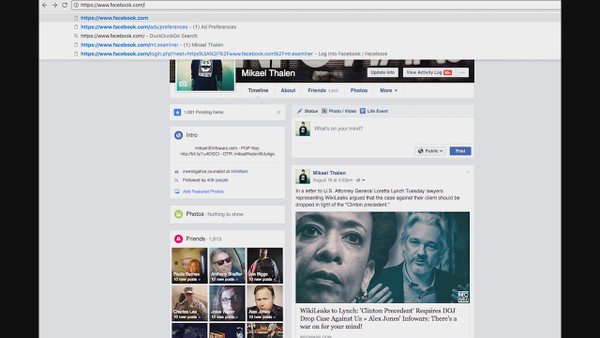
Did you know Facebook puts a political label on you? Here’s how to find out what it is http://www.infowars.com/facebook-tracks-your-political-ideology-find-out-how-they-view-you/ …


 DianeMarie
 chulai1968
 Truth Prevailing
 Publius Huldah
 Freedom Rider
 radioroger2015
 revaustinmiles
 Steve
Steve