
Social media platform’s “Quality Filter” turned on for unsuspecting users
A new setting on Twitter designed to remove “offensive” content appears to have been enabled without the knowledge or consent of users.
Known as the “Quality Filter,” the feature aims to censor any tweet in a user’s notifications “that contain threats, offensive or abusive language, duplicate content, or are sent from suspicious accounts.”
Unbeknownst to many Twitter users, the feature, which has already been shown to censor legitimate content, was activated without any sort of approval requirement. Users who initially opted out of the feature last week also noted that it was re-enabled on Android after a Monday update to the Twitter application.
Several users of the social media site who were instructed on how to disable the feature by Infowars say they immediately noticed legitimate notifications return.
Those interested in disabling the filter can uncheck the “Quality Filter” option by clicking here while logged into Twitter or follow the video instructions below.
Help others remove the filter by sharing this tweet and article.
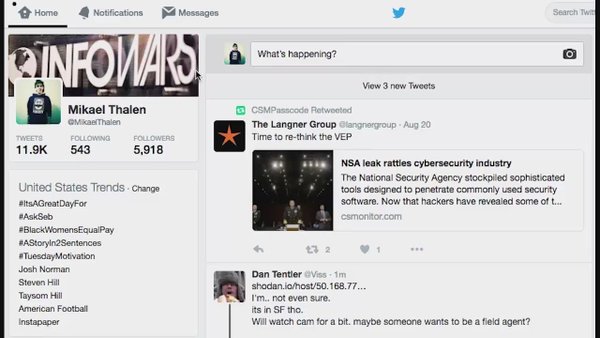
If you haven’t yet, here’s how to disable Twitter’s “Quality Filter”


 DianeMarie
 chulai1968
 Truth Prevailing
 Publius Huldah
 radioroger2015
 revaustinmiles
 Steve
Steve
Thanks. I followed the link and disabled the filter, but I’ll bet the next time it will be mandatory with no way to turn it off.
LikeLiked by 1 person
We have no way of knowing for sure the thing is deactivated after we turn it off now. I hope it is but…..
LikeLike